

Configuring Meshery Behind istio Ingress gateway

Accessing Workloads behind a ingress-gateway always has been a industry standard practice in Kubernetes setup. It facilitate single entry point for all your services deployed in a production grade Kubernetes. This setup also allows you to leverage the service-mesh functionality of implementing policies and have a better authz and authn to the deployed services. Meshery is no different, you can configure it to be accessed through ingress gateway. Let’s see how can we configure it.
Prerequisite :
- Kubernetes is up and running.
- Ingress controller is installed and Ingress-gateway is provisioned (we will be taking istio into account in this example and it is installed in istio-system Namespace)
- Meshery is installed in your Kubernetes cluster (Preferably in meshery namespace)
See in Action:
Step 1: Prerequisite check
Lets see if everything mentioned in prerequisite is fulfilled
$ kubectl get svc -n istio-system
NAME                   TYPE           CLUSTER-IP   EXTERNAL-IP   PORT(S)                                      AGE
istio-ingressgateway   LoadBalancer   10.3.9.186   20.204.19.97    15021:30305/TCP,80:32107/TCP,443:32436/TCP   37d
We have ingress gateway provisioned.
$ kubectl get po -n meshery

NAME                                    READY   STATUS           RESTARTS      AGE
meshery-5cc4489f77-7sbc5                1/1     Running             0          33d
meshery-operator-5db8b6c874-5cdvg       1/1     Running             0          33d
meshery-meshsync-8lb8b6y784-6ghnk       1/1     Running             0          33d
meshery-istio-6c56dd44fb-gk6xx          1/1     Running             0          33d

$ kubectl get svc -n meshery

NAME                   TYPE           CLUSTER-IP   EXTERNAL-IP    PORT(S)          AGE
meshery                LoadBalancer   10.3.9.178   10.5.3.188   9081:31037/TCP   33d
Now we see that Meshery’s core components meshery, meshery-operator, meshery-meshsync, meshery-istio (meshery adapter specific to your servicemesh), and meshery LoadBalance service (meshery) are up. The istio ingress gateway istio-ingressgateway is also up.
Note :
- you can observe that the CLUSTER-IP & EXTERNAL-IP of the Meshery LoadBalancer are private IP (10.5.3.188, 10.3.9.178) that means you can not connect it from the browser or outside of the kubernetes cluster.
- in the other hand if you observe we have got an public ip for the istio-ingressgateway (20.204.19.97) which can be accessed from outside of the cluster.
- Only way to access the Meshery is through our ingress gateway (which is part of ingress controller Istio in this case)
Step 2: Let’s create a istio-Gateway for this meshery, which will facilitate meshey to recive the request from outside of cluster to Meshery.
Tip:
What is istio-Gateway?
Gateway describes a load balancer operating at the edge of the mesh receiving incoming or outgoing HTTP/TCP connections. The specification describes a set of ports that should be exposed, the type of protocol to use, SNI configuration for the load balancer, etc. More information : Istio / Gateway
create a file meshery-istio-gw.yaml and copy paste the below content to the file.
apiVersion: networking.istio.io/v1alpha3
kind: Gateway
metadata:
  name: meshery-gateway
  namespace: meshery
spec:
  selector:
    istio: ingressgateway
  servers:
  - port:
      number: 80
      name: http
      protocol: HTTP
    hosts:
    - "*"
Now let’s apply this manifest in meshery Namespace.
$ kubectl apply -f meshery-istio-gw.yaml
Tip:
Istio gateway is namespace scoped. The gateway listener for meshery listens on port 80.
Step 3: Lets create a virtualService for Istio gateway to reach Meshery Loadbalancer in the kubernetes cluster
Tip: What is virtual service?
A VirtualService defines a set of traffic routing rules to apply when a host is addressed. Each routing rule defines matching criteria for traffic of a specific protocol. If the traffic is matched, then it is sent to a named destination service (or subset/version of it) defined in the registry. More info: Istio / Virtual Service
create a file meshery-istio-vs.yaml and copy paste the below content to the file.
apiVersion: networking.istio.io/v1alpha3
kind: VirtualService
metadata:
  name: meshery
  namespace: meshery
spec:
  hosts:
  - "*"
  gateways:
  - meshery-gateway
  http:
  - match:
    - uri:
        prefix: /
    route:
    - destination:
        host: meshery
        port:
          number: 9081
Now let’s apply this manifest in meshery Namespace.
$ kubectl apply -f meshery-istio-vs.yaml
Tip: istio virtualService is namespace scoped.
Understanding meshery-istio-vs.yaml
When the request hits the istio ingress gateway (the gateway listener for meshery listens on port 80) with prefix “/” (root) it will forward it to the kubernetes service meshery which exists in meshery Namespace and listing on 9081 (The default port of Meshery)
Step 4: Accessing Meshery
Now you can access meshhery UI with http:/// in this context http://20.204.19.97/
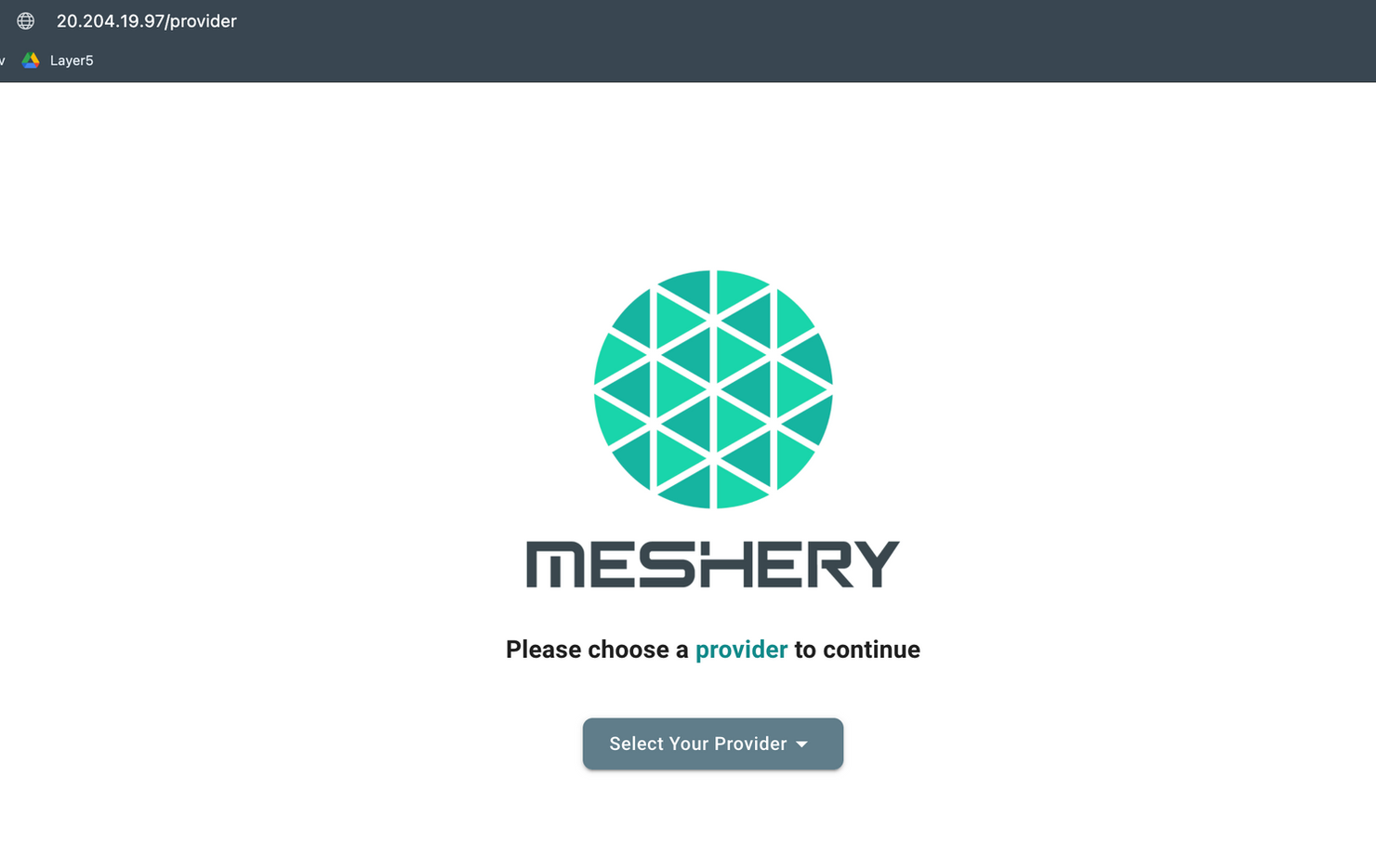
Tip: when you hit http://20.204.19.97/ it will automatically redirect you to
http://20.204.19.97/provider and you will she the meshery UI as below:
Extras :
You can use fqdn (let’s say meshery.example.com) for accessing meshery. In that case you have to replace "*" field under hosts: section in meshery-istio-vs.yaml and meshery-istio-gw.yaml to meshery.example.com
Find it on Layer5 discuss forum : https://discuss.layer5.io/t/configuring-meshery-behind-istio-ingress-gateway/157
Credits:
Layer5 - https://layer5.io/
istio- https://istio.io/
Meshery- https://meshery.io/
About the author
An enthusiastic individual dedicated to open-source development and contribution, boasting over 8 years of experience as a DevOps engineer. Proficient in designing resilient and secure infrastructures using technologies like Docker, Kubernetes, and Azure. Strongly advocate for the implementation of ServiceMesh and API management tools to ensure the secure deployment of microservices. Passionate about mentoring others, with a deep love for technology and active participation in the open-source community.
Comments
Join the discussionNo comments yet. Be the first to comment.